
See how Manta works.
 Made for everybody.
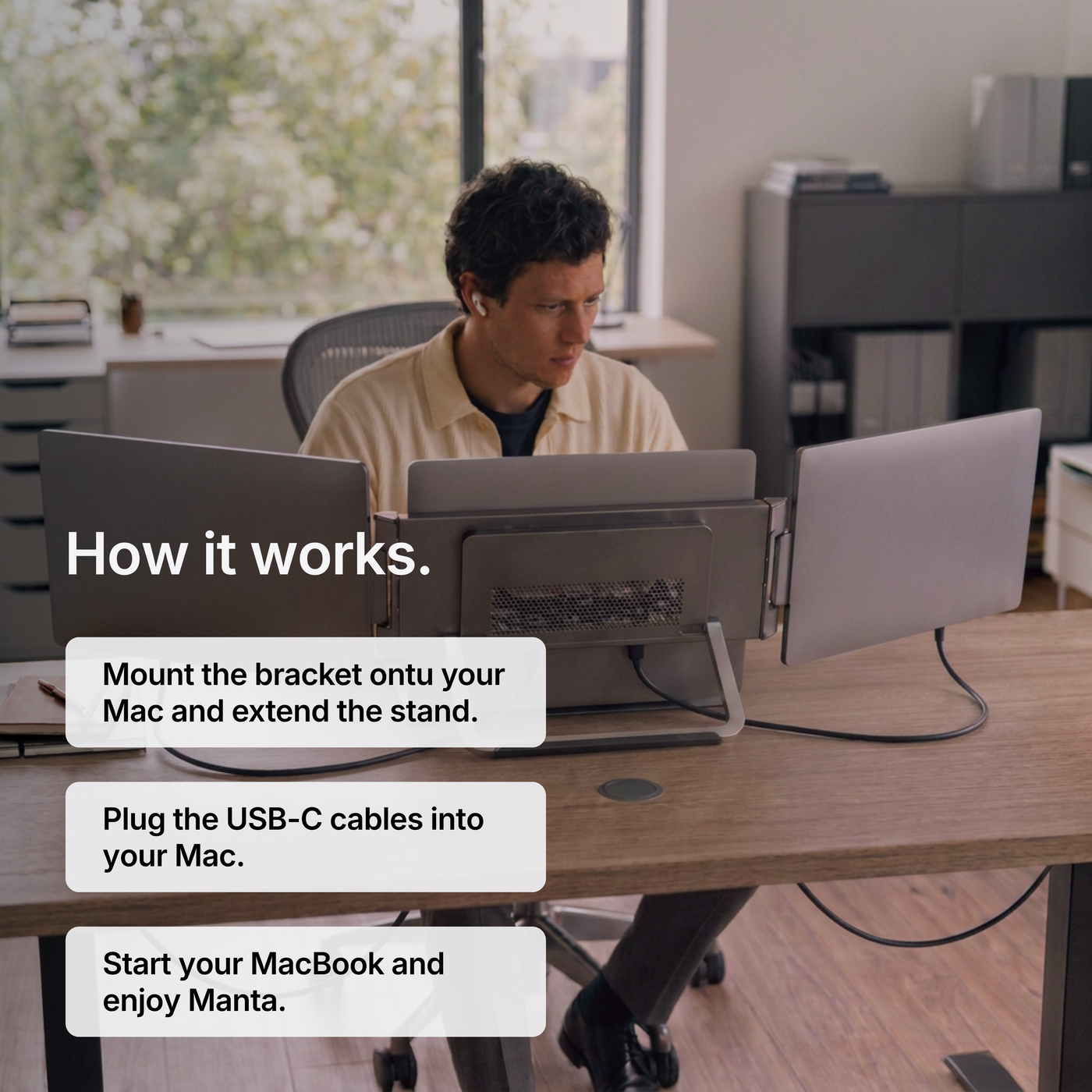
Mount the bracket ontu your Mac and extend the stand.
Plug the USB-C cables into your Mac.
Start the MacBook and enjoy the Manta Sreens.
All the features you need

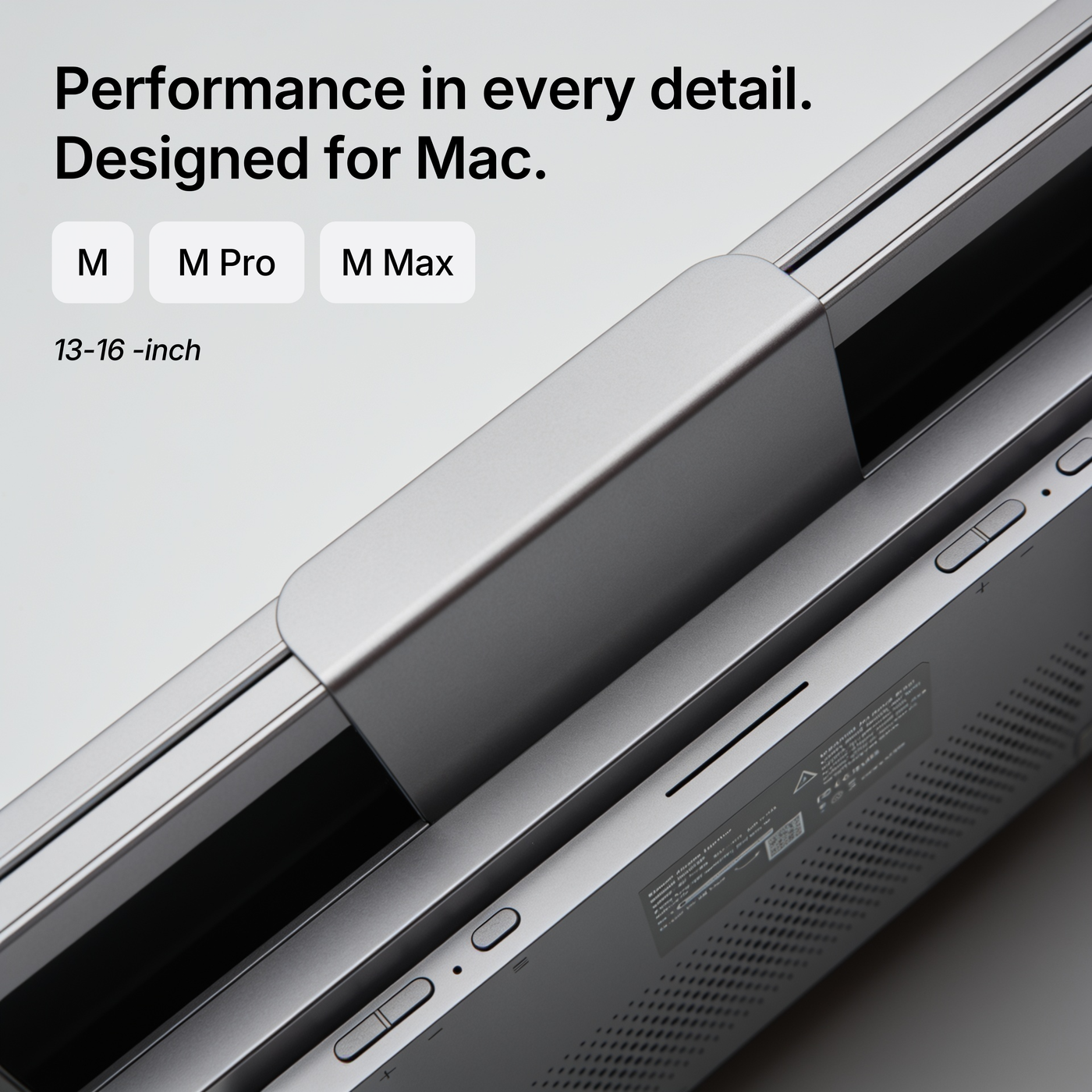
Designed to match.

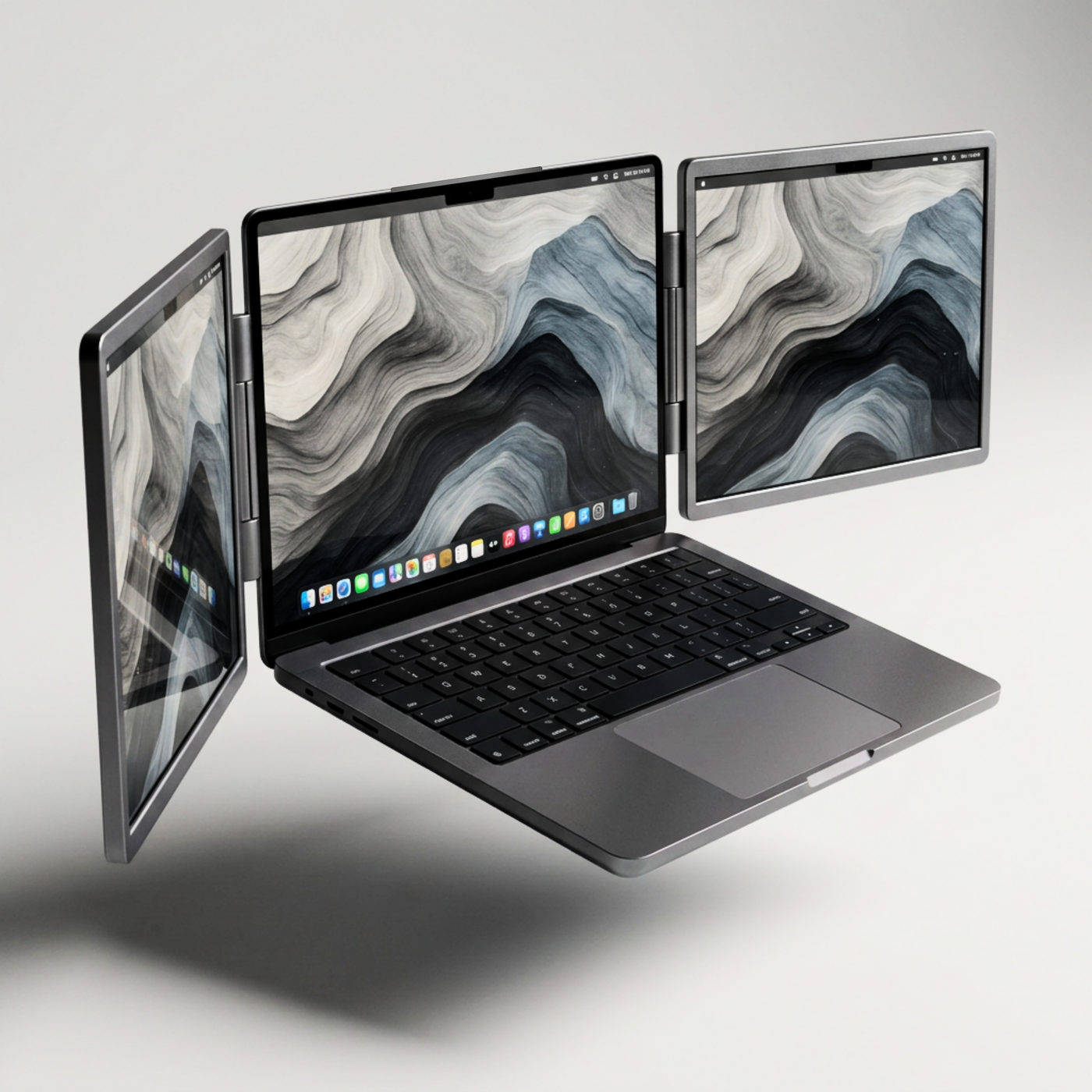
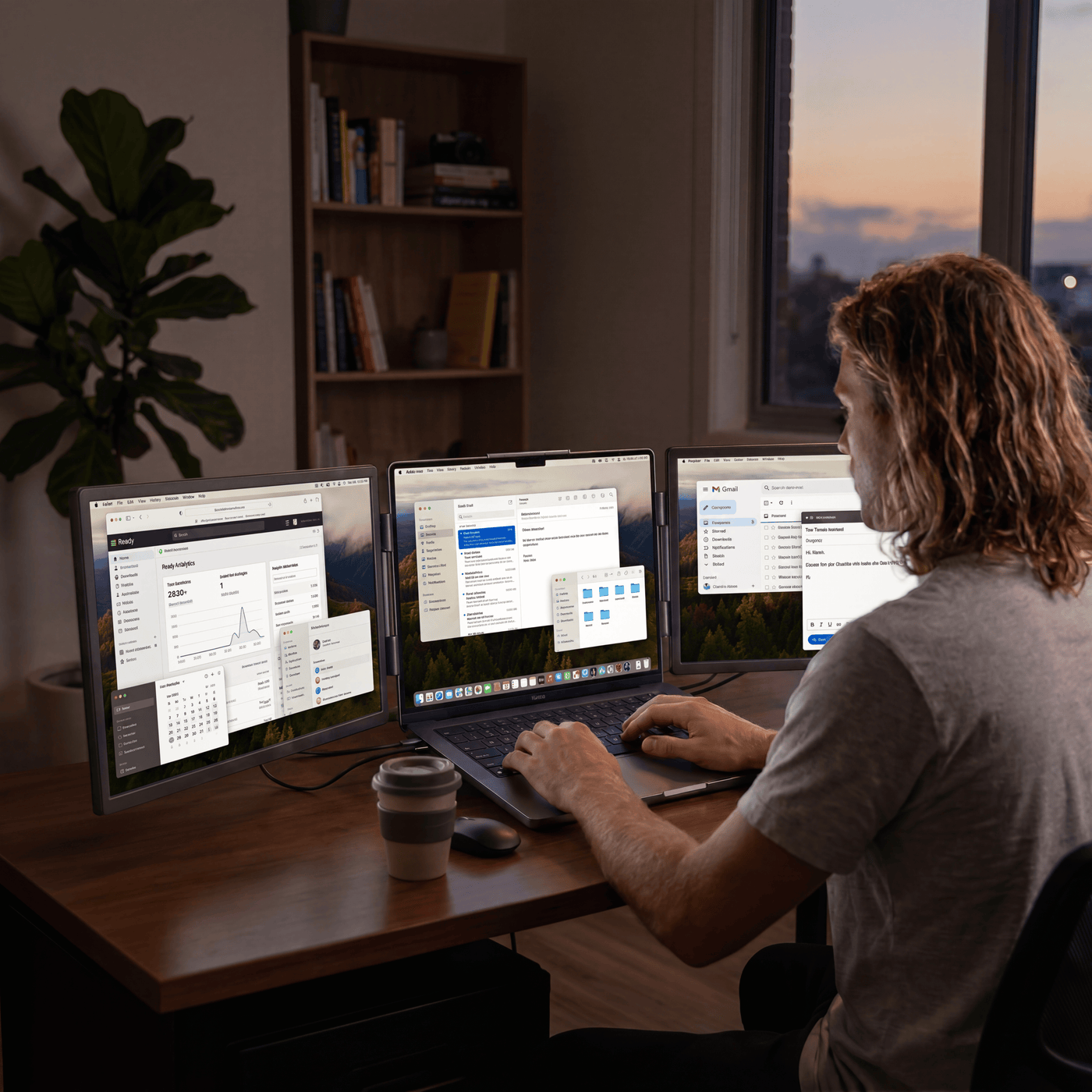
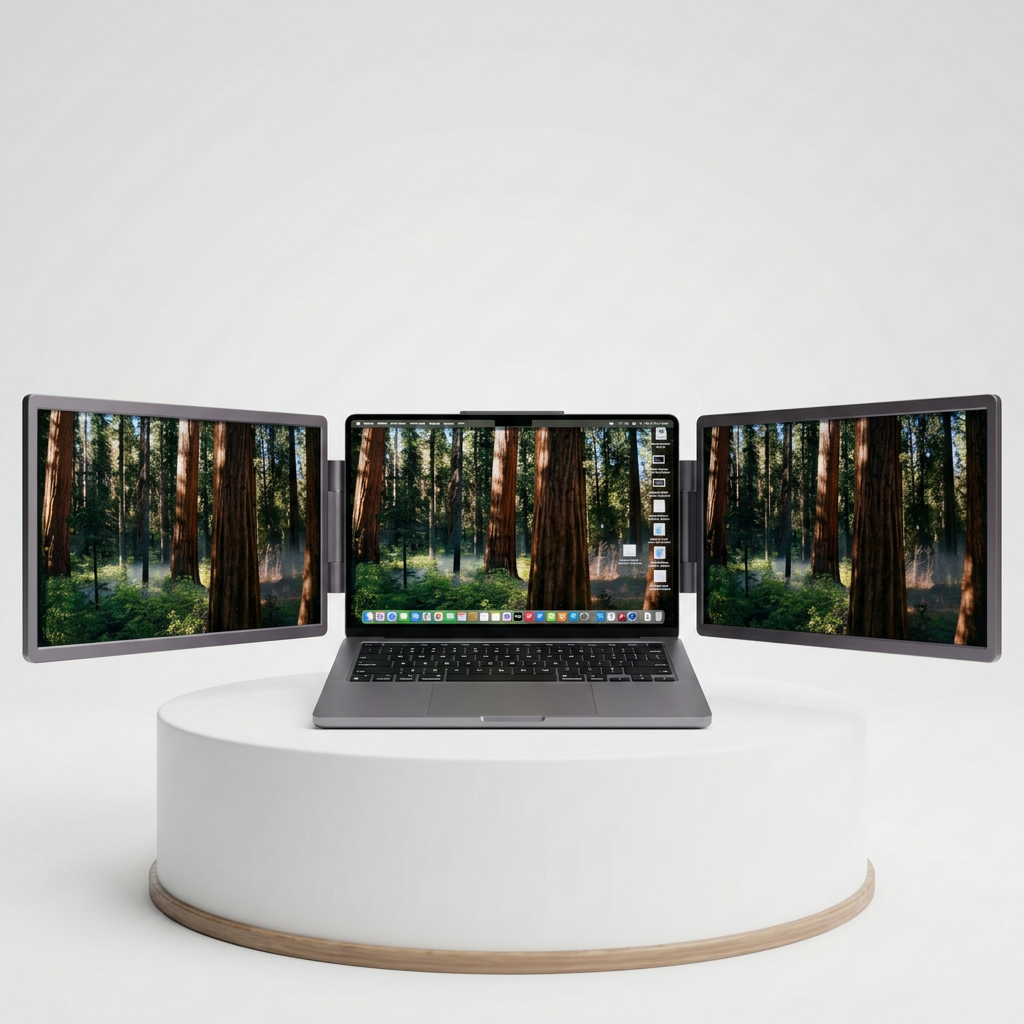
Three screens, anywhere

4K UHD+
Which Manta Screen is the right one for me?
Pick your model and we’ll confirm fit and the right Manta variant.
Our users see real change
*based on a survey of 1,500+ users
95%
improve output and productivity
70%
feel less strained in long working sessions
30%
free up time by working more efficientScreens
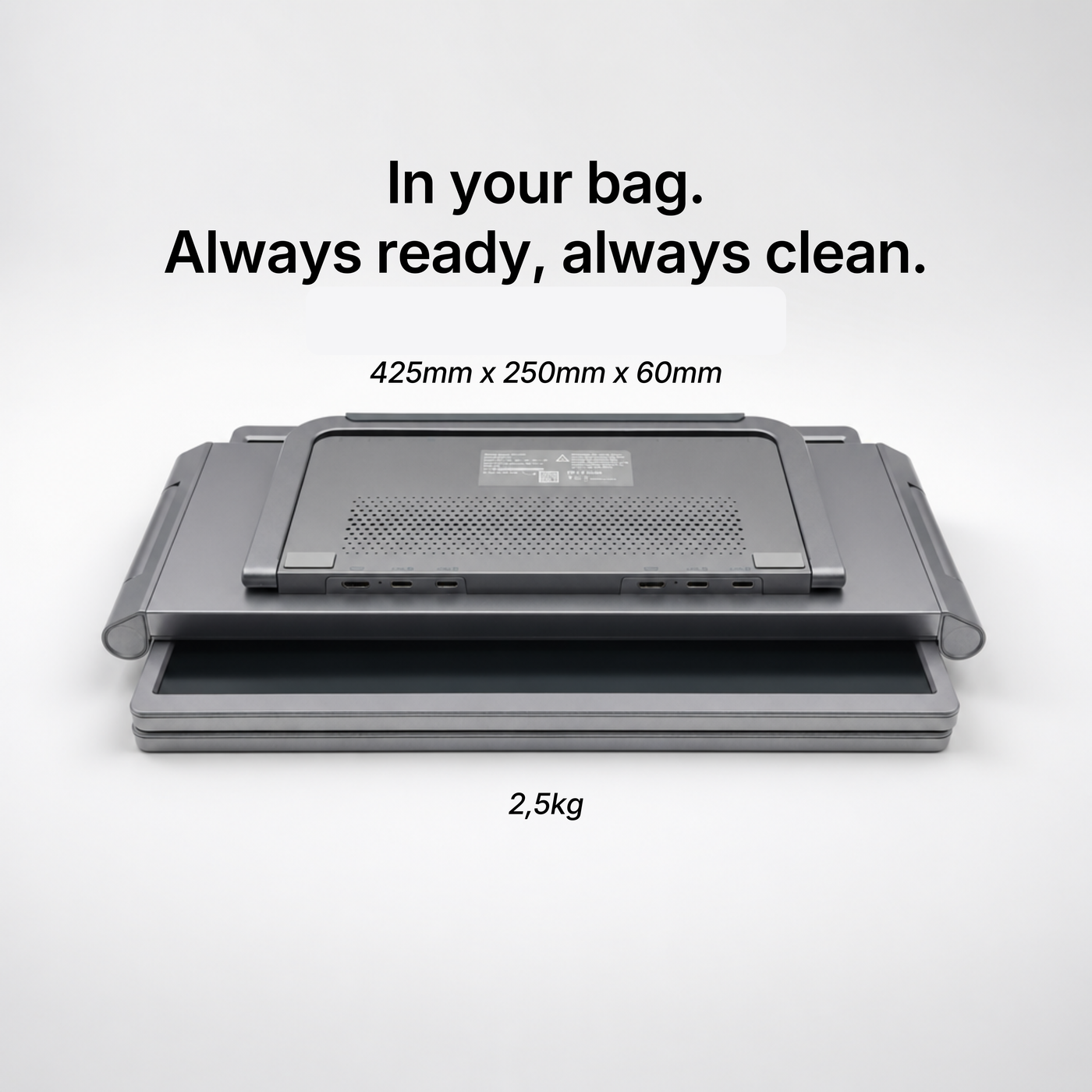
Truly portable
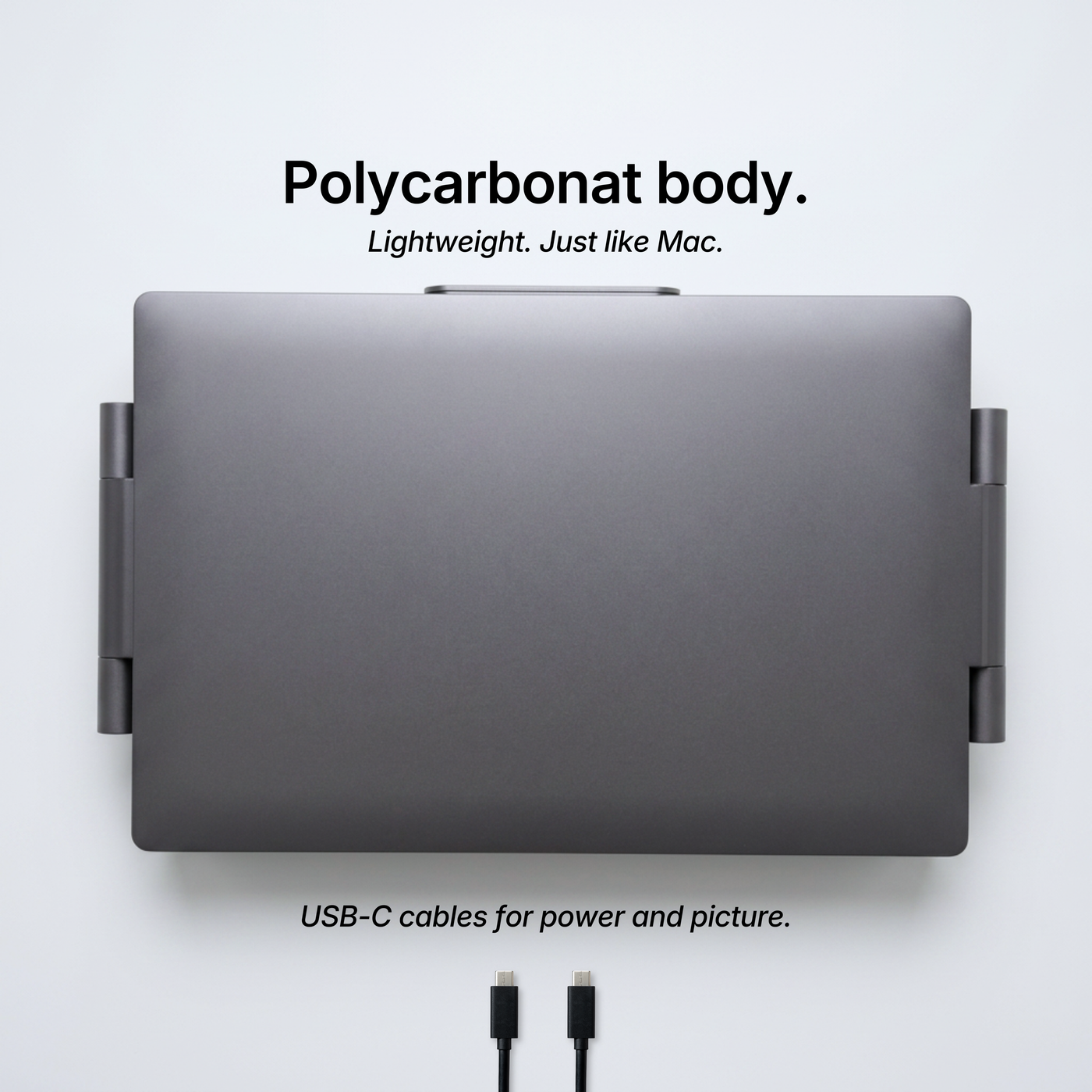
Single USB-C cable
Built for MacBook
CNC Aluminium build
Manta Setup
3
yes
yes
yes
yes
MacBook only
1
yes
—
—
yes
Home Setup
1-X
no
yes
no
no
More reasons to love Manta
Battery-free
No battery inside means nothing to charge or wear out. And one less thing to pack.
Manta Care
Every Manta is covered for a full year, extendable any time.
100-day returns
Try Manta for 100 days. Not for you? Send it back for a full refund.
Everything, on the table.
| Side panels | 2 × 14″ IPS / 2 × 16″ IPS |
| Resolution | 4k UHD+; 4096 × 2160px |
| Aspect ratio | 16:10 |
| Colour | 100% sRGB |
| Brightness | ≥ 1000 nits |
| Refresh rate | 120 Hz |
| Connection | Single USB-C |
| Body | CNC Aluminium unibody |
| Compatibility | 13–16″ · M1–M5 Silicon Mac Chips |
| Weight | 2,570 KG |
Get more out of every work session.
Build a workspace that works the way you do.

Working from everywhere
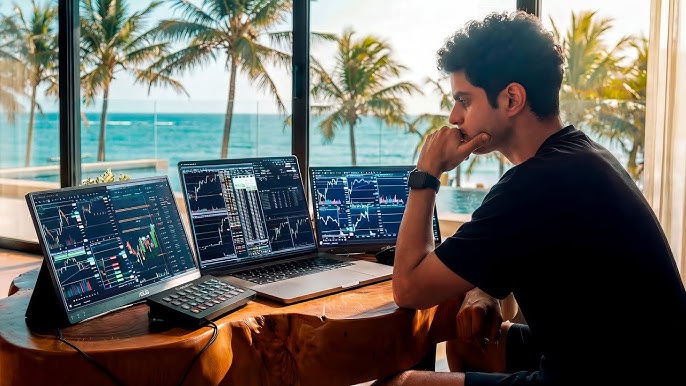
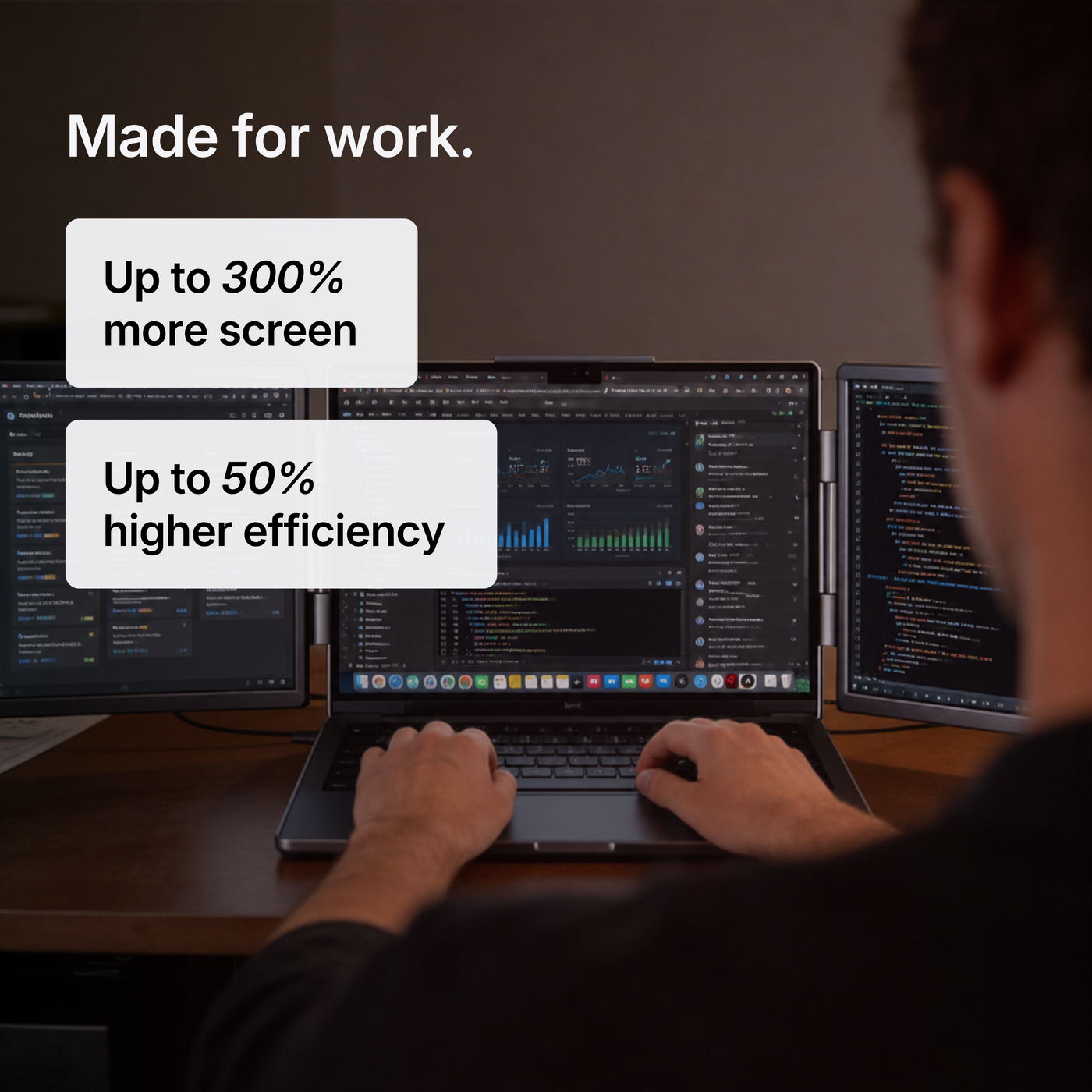
Spread your editor, docs and reference across three screens — and stop hunting through tabs.

A full workspace on the train or in a cafe: just your MacBook and a single USB-C cable.

Keep charts, news and your order book side by side without juggling windows.
FAQ
Does it cover the Webcam?
No. Manta sits behind your screen and the panels extend out to the sides, so your keyboard, trackpad and webcam stay completely free to use.
Do I need to install anything?
That depends on your Model. For the Manta S1 for M Chips you need to install an app on the first setup. It’s what lets Manta drive two screens even on Macs that natively support a single external display.
How is it powered?
A single USB-C cable carries both video and power from your MacBook — no separate adapter for everyday use.
Shipping, returns and warranty?
Shipped DDP with duties included, 3–5 days delivery. 100-day money-back and a 1-year warranty (extendable with Manta Care).
Manta S1
$899.00 · Express Shipping
Buy now
4.8
★★★★★
★★★★★
based on 59 reviews
Verified Buyers
5 ★
82%
4 ★
12%
3 ★
4%
2 ★
1%
1 ★
1%
AI-Summery: Most customer appreciate the extra display space from this product. They also highlight the easy plug and play use.